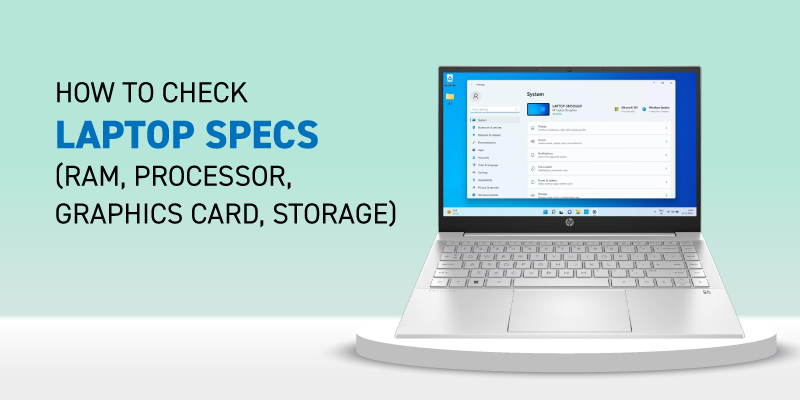
Quick Overview
– Windows shortcut: Press Win + I → System → About for quick specs
– Check CPU (e.g., Intel Core i5, 3.2 GHz), RAM (8GB/16GB), and storage (SSD/HDD)
– Use Task Manager (Ctrl + Shift + Esc) for real-time performance
– GPU details available under Display adapters
– Tools like DirectX Diagnostic (dxdiag) show advanced configuration
– Knowing specs helps with gaming, editing, and upgrades
How to Check Laptop Specifications (Quick Methods)
On Windows laptops:
– Press Windows + I → System → About
– Or type “System Information” in the search
– You’ll see CPU, RAM, device ID, and system type (32 or 64-bit)
For a deeper look:
– Open Task Manager → Performance tab
– Run dxdiag for GPU, audio, and DirectX details
This is the fastest way if you’re figuring out how to check laptop specs before upgrading or buying software.